APP Download
Download the 888bert APP on Android and iOS now
Download the official 888bert mobile APP and play casino games, sports betting, fish shooting games, and bingo from anywhere, alongside Myanmar's gaming community.
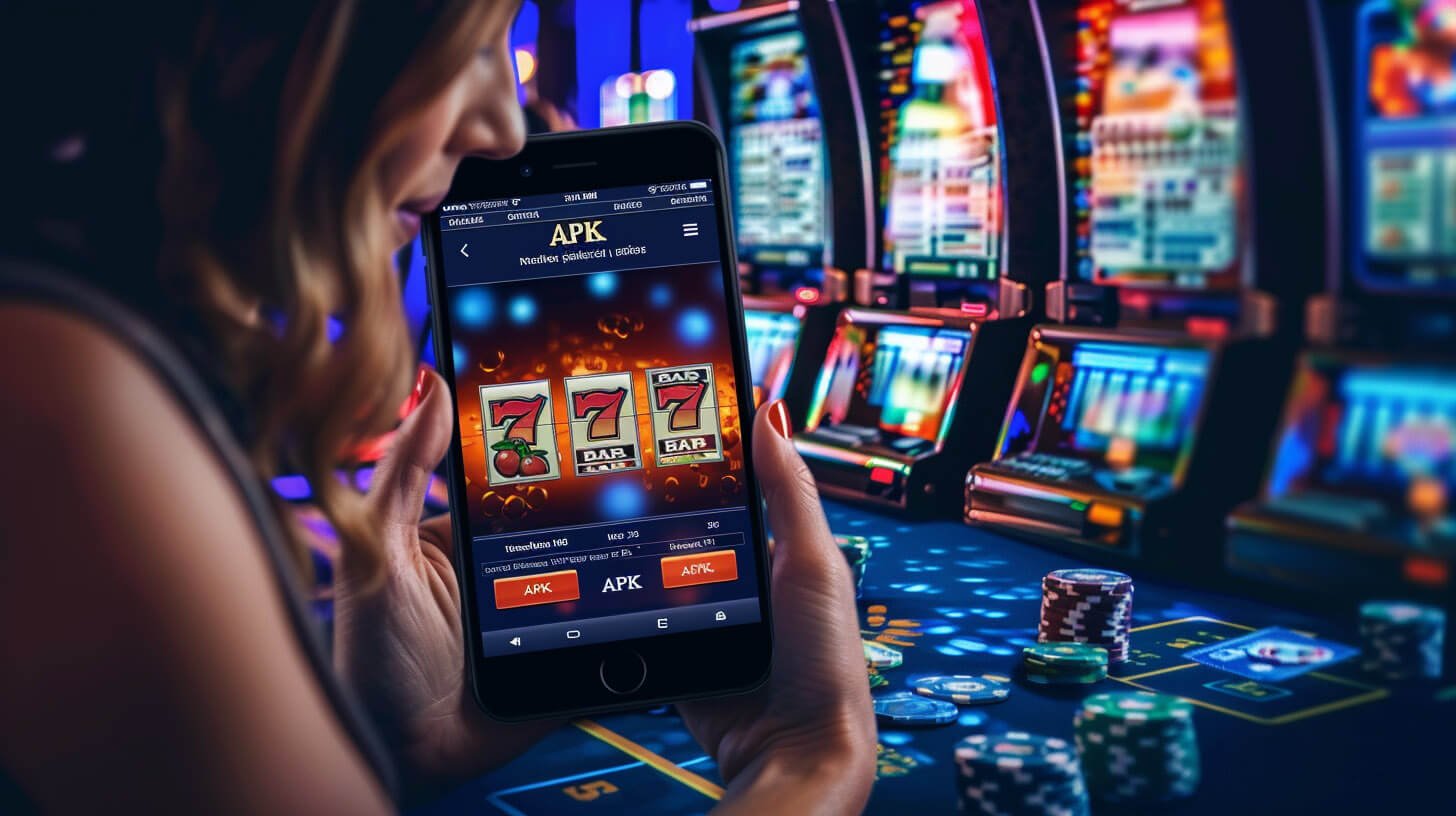
Download the official 888bert mobile APP and play casino games, sports betting, fish shooting games, and bingo from anywhere, alongside Myanmar's gaming community.

The 888bert mobile APP works seamlessly on Myanmar's cellular networks — Telenor, Ooredoo, MPT, and Mytel. Slot games can be played normally on a minimum 3G connection, and with 4G or 5G you can enjoy Live Casino without any lag.
Go to your phone's Settings and enable "Install Unknown Apps" under Security or Privacy. On Samsung devices, go to Settings → Biometrics and Security → Install Unknown Apps. On Xiaomi or Redmi devices, go to Additional Settings → Privacy → Unknown Sources.
Tap the Android APK download button on the official 888bert site. Download it using your phone's browser and keep your mobile data on until the download is complete. The file is only around 48MB, so it downloads quickly.
Open the downloaded .apk file from your File Manager and tap "Install". If prompted for permission, select "Allow". Installation takes only about half a minute to complete.
The 888bert icon will appear on your Home Screen. Tap it to open the APP, then log in with your account username and password. If you do not have an account yet, you can create one for free on the Register page.
Go to Settings within the APP and enable Auto-Update. Whenever 888bert releases new games, service improvements, or security patches, the APP will update automatically.
| Information | Minimum requirements |
|---|---|
| OS version | Android 6.0 (Marshmallow) |
| RAM | 2GB RAM or higher |
| Storage | At least 100MB of free storage required |
| Network | 3G / WiFi |
| Processor | Quad-Core 1.4GHz |
| Phone Brand | Samsung, Xiaomi, OPPO, vivo, Huawei |
| Information | Requirements |
|---|---|
| IOS Version | IOS 13.0 and above |
| IPhone Model | IPhone 8 and above |
| IPad Model | IPad (6th generation) and above |
| Storage | At least 120MB of free storage required |
| Network | 4G / WiFi recommended |
| Apple ID | TestFlight installation is required |
First, download Apple's TestFlight app from the App Store on your iPhone. TestFlight is Apple's official channel for distributing developer beta apps, and the 888bert iOS app is installed through this method.
Tap the iOS download button on the 888bert website using iPhone Safari. A TestFlight Invitation Link will open — tap "Accept", then tap "Install" to set up the 888bert APP via TestFlight.
Once installation is complete, the 888bert APP icon will appear on your Home Screen. Connect to cellular data or WiFi, open the APP, and log in. You can also enable Face ID login from within APP Settings.
Go to iPhone Settings → 888bert → Notifications and turn on Allow Notifications. You will instantly receive push notifications for new bonuses, promotions, and deposit or withdrawal confirmations.

Once you are inside the 888bert APP, you can see all sections — casino, fish shooting games, bingo, and sports betting — at a glance. New games are accessible faster through the APP than through the site, and Special Member Rewards are available exclusively to APP users, making it well worth downloading.
A wide variety of games including Live Casino, Slots, fish shooting games, and bingo
Launch games with loading times up to 3 times faster than a browser
Play comfortably in the evenings with an eye-friendly dark interface
Deposit directly within the APP using KBZPay, Wave Money, AYA Pay, or CB Pay
Notifications for new promotions, bonuses, and payment updates
Log in using Face ID or fingerprint — no password required
Game history and transaction records can be checked directly within the app
Live Chat support in Myanmar language is available directly within the APP
Users who have downloaded the 888bert APP widely report a better experience and more enjoyable gameplay compared to accessing the website through a browser. Game loading times are noticeably faster than in a browser, and battery consumption is managed more efficiently as well.
If your phone loses connection while playing casino games, your session progress is automatically saved through the app, so you can pick up right where you left off when you reconnect. This Session Resume feature is exclusive to the app and is not available on the browser.
From the 888bert APP Home Screen, you can instantly see new games, exclusive promotions, and big win results. You can save your favourite games to Favourites and jump straight into them on your next visit. This personalisation feature reduces time spent navigating so you can spend more time playing.
When making a deposit via KBZPay or Wave Money through the app, using QR Code scanning is faster and helps you avoid entering incorrect payment details. The 888bert Support Team has also confirmed that withdrawals processed through the app are handled with priority and completed more quickly.
| Features | APP | Browser |
|---|---|---|
| Loading speed | Fast | Slow |
| Biometric Login | Available | Not available |
| Push Notification | Available | Not available |
| Session Resume | Automatic | Not saved |
| Offline Mode | Some games available | Not available |
| Battery usage | Low | High |
| QR code deposit | Available | Not available |
| Exclusive Bonus | APP users only | Not available |

Once you download the 888bert APP, you can enjoy casino games, fish shooting games, bingo, and sports betting from anywhere — whether you are in Yangon, Mandalay, or Naypyidaw. Even on mobile data, the 888bert APP keeps data usage low, so you spend less.
You can now enjoy the 888bert platform — trusted by players across Myanmar — even more smoothly through the app. Whether on Android or iOS, downloading the app takes just a few minutes, and you will receive your Welcome Bonus right away. Always play responsibly, and participation is open to those aged 18 and above only.
For players aged 18 and above only. Responsible Gaming Read the policy.